
Outlook Mobile App
Outlook Mobile App
- Open the Suspicious email in the Outlook Mobile app.
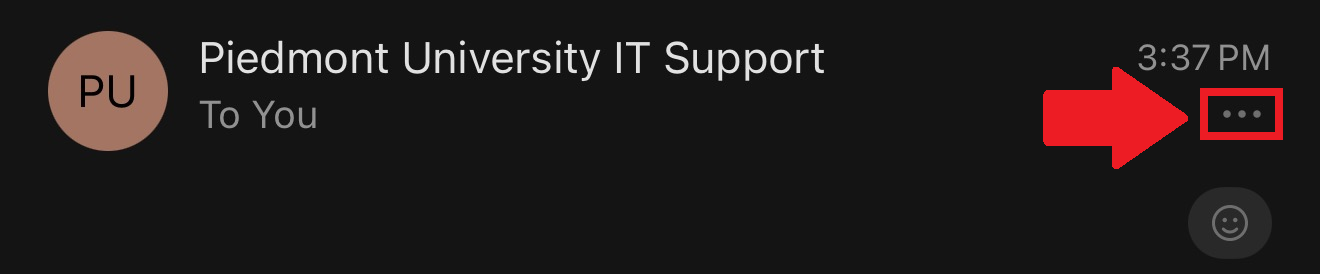
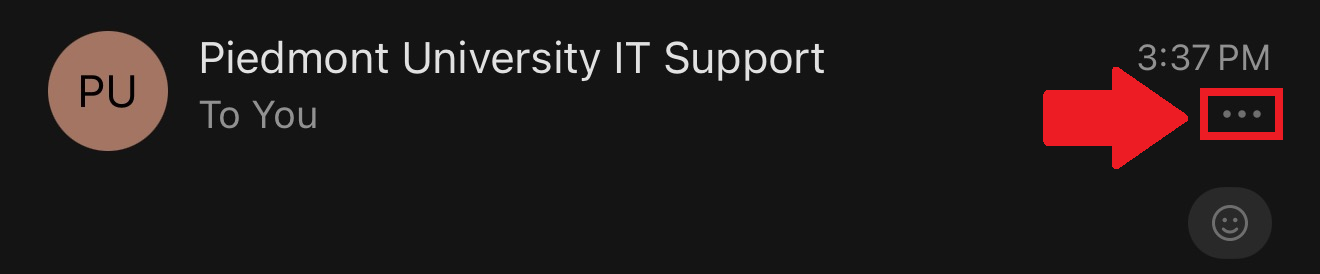
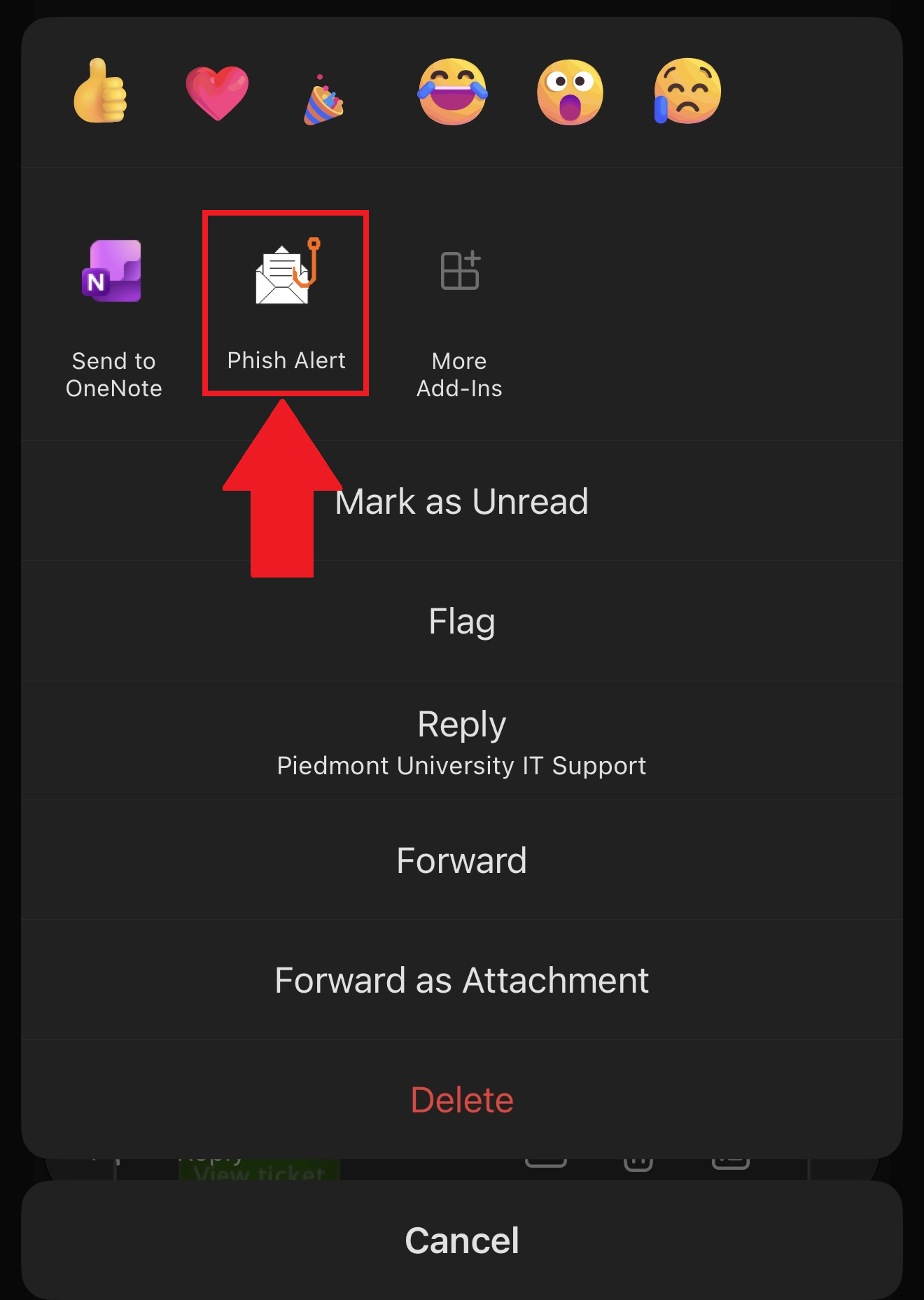
- Tap the three dots (...) while viewing the message. This is typically underneath the timestamp in the top-right corner.
Need Help?
If you encounter an error or need assistance with this guide, please contact the IT Department and include a screenshot with a brief description of the issue.
Contact the IT Department Here