
Adobe Portfolio Setup

-
On a tablet, smartphone, or PC, visit https://www.adobe.com/files/cloud-documents
-
Sign in with the same email address you used to sign in to Adobe Creative Cloud.
-
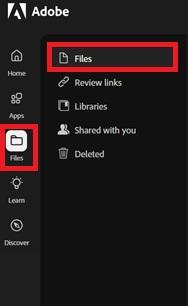
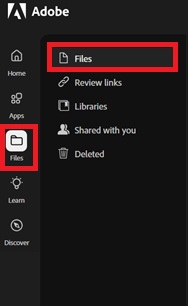
In the left column, select Files.
-
Here you can view and manage the items in your portfolio.
Note: We strongly recommend against using your student email. This ensures continued access to Adobe Creative Cloud services and projects after leaving the university!
Need Help?
If you encounter an error or need assistance with this guide, please contact the IT Department and include a screenshot with a brief description of the issue.
Contact the IT Department Here