Skip to main content
Restarting the Docking Station
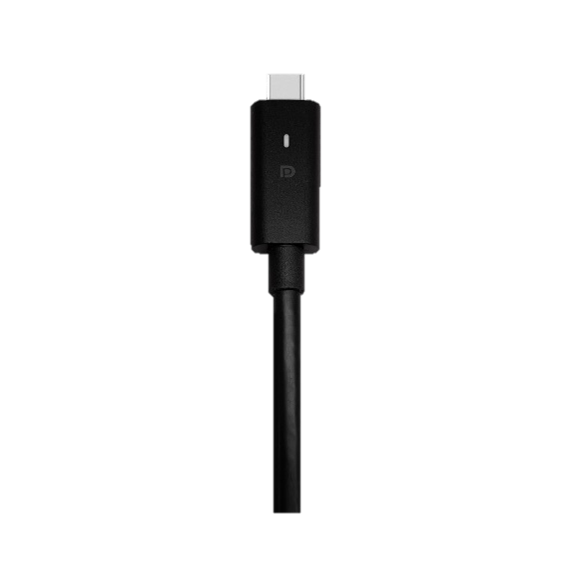
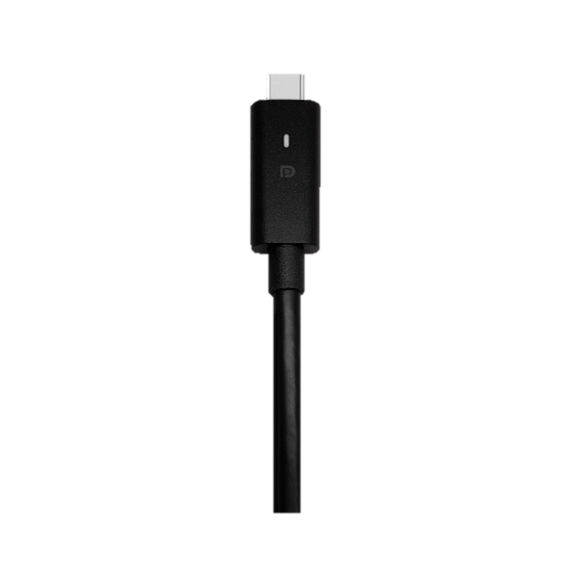
Check the USB-C Cable
- If the LED light on the USB-C cable is not illuminated, the docking station does not receive power.
Restart the Docking Station
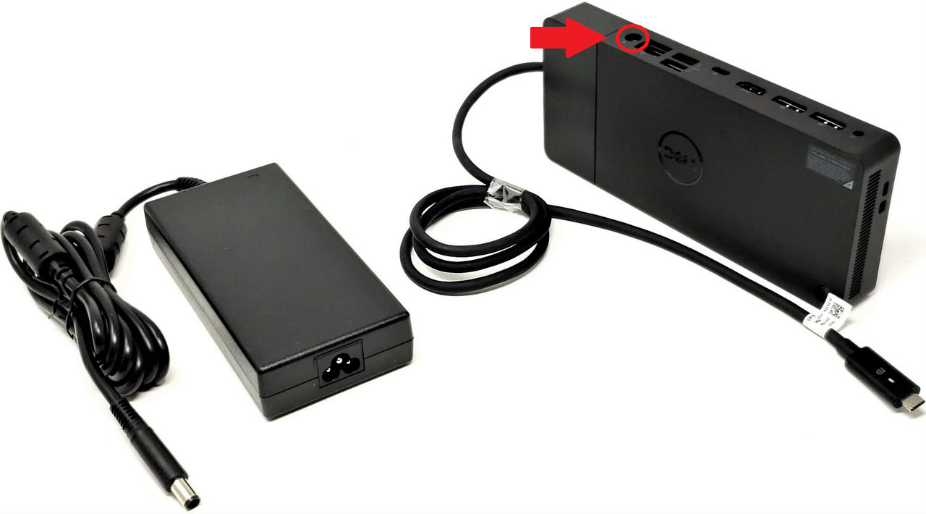
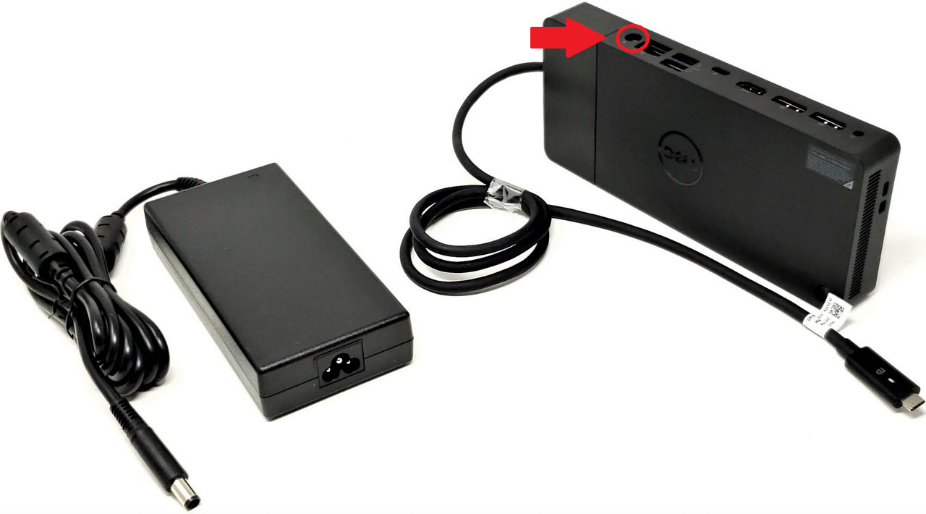
- If the LED light is off, unplug the power cable to your docking station (shown below) and immediately plug it back in.
- Please allow 10 seconds for the docking station to power on.
- Should your monitors and other peripherals continue to experience power issues, please contact the IT Helpdesk!

No comments to display
No comments to display