Accessing your Portfolio
-
On a tablet, smartphone, or PC, visit:
https://assets.adobe.com/cloud-documents -
Sign in with the same email address you used to sign in to Adobe Creative Cloud.
-
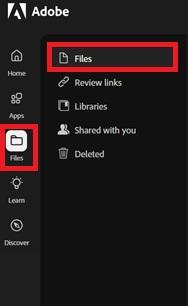
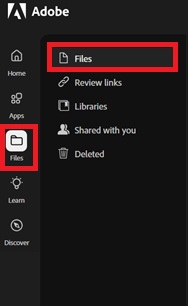
In the left column, select Files.
-
Here you can view and manage the items in your portfolio.
Note: We strongly recommend not using your student email. This ensures continued access to Adobe Creative Cloud services and projects after leaving the university!