How To Order Toner for Kyocera Printers
These instructions are for ordering toner for Kyocera printers.
Toner for Ricoh printers is automatically sent.sent by Duplicating Products.
**Printer paper should be ordered from Holcombs. **
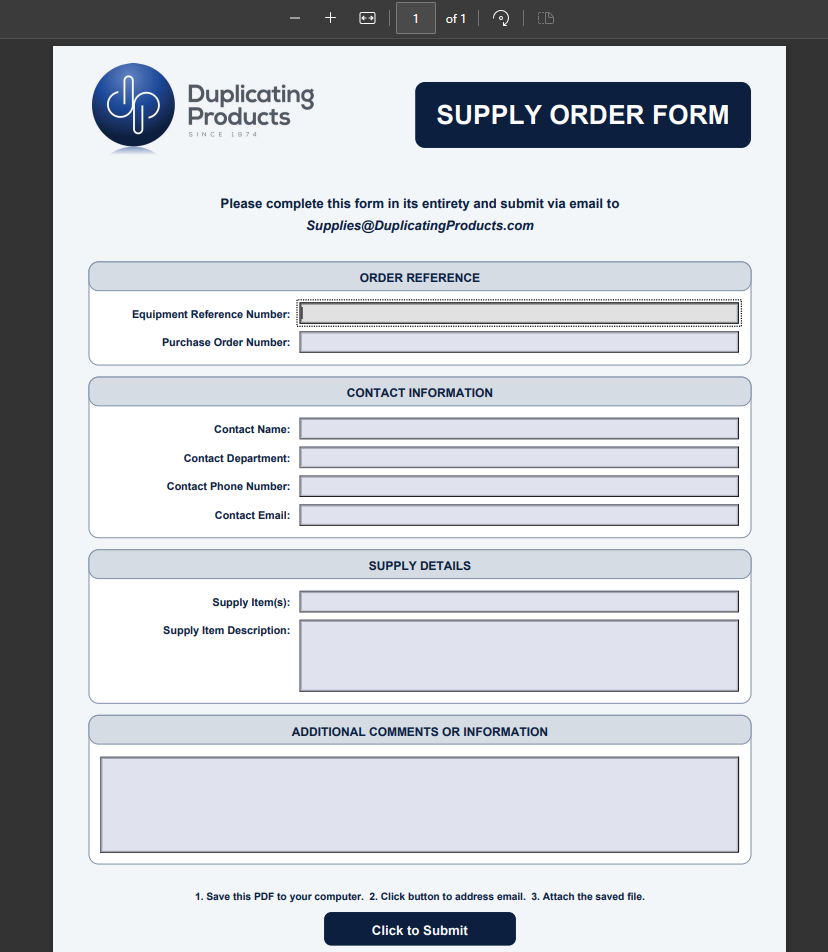
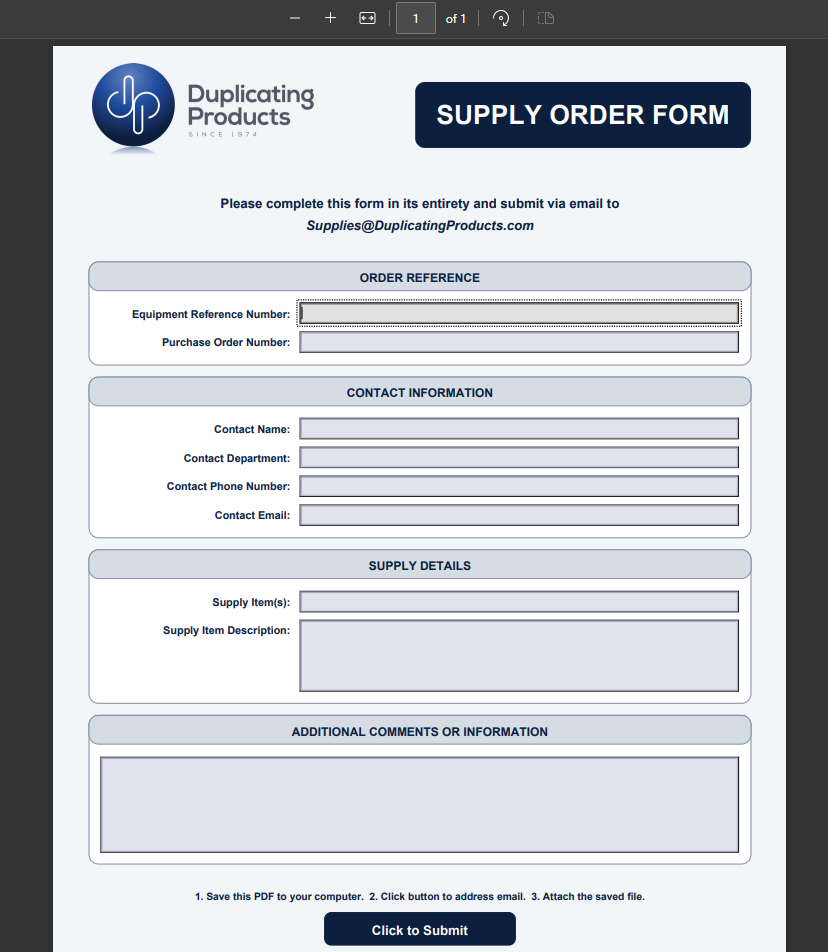
- Please save the blank PDF form to your computer for future use (there is a copy of the blank PDF located on the left of this page under "Attachments").
- Complete the form. The Equipment Reference Number is the Duplicating Products ID # located on the sticker on the printer.
-
**For reference when creating the PO:**
Estimated costs for toner are as follows:
- Black Toner = $140.00/each
- Color Toner (Cyan/Yellow/Magenta) = $170.00/each - ** Save the completed form to your computer. **
- Click the "Submit" button at the bottom of the form.
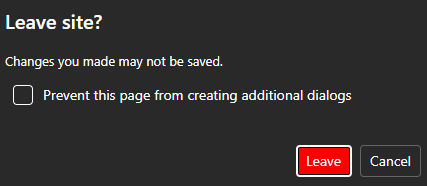
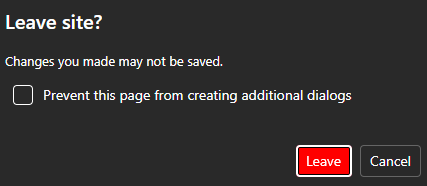
- You will receive a pop-up to leave the site. Select "Leave."
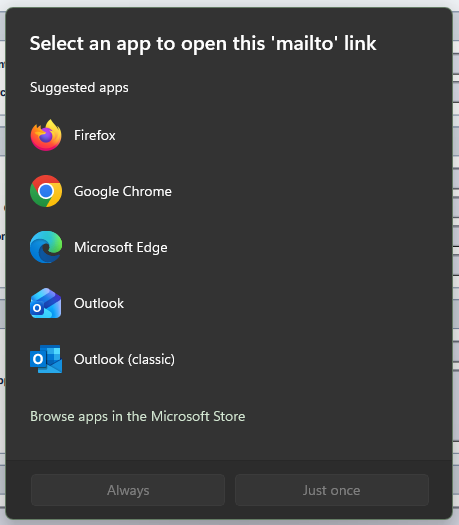
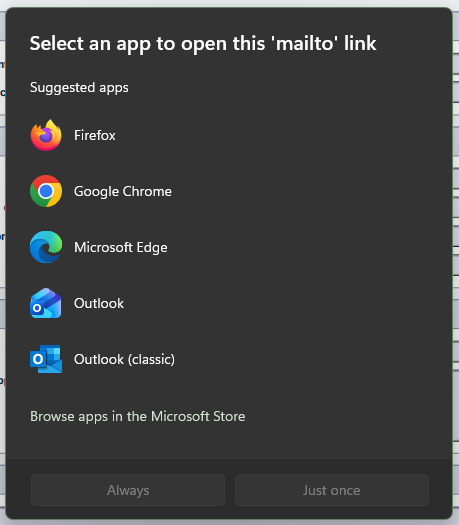
- Another pop-up will appear asking where to open the link. Please select "Outlook."
- You will receive a pop-up to leave the site. Select "Leave."
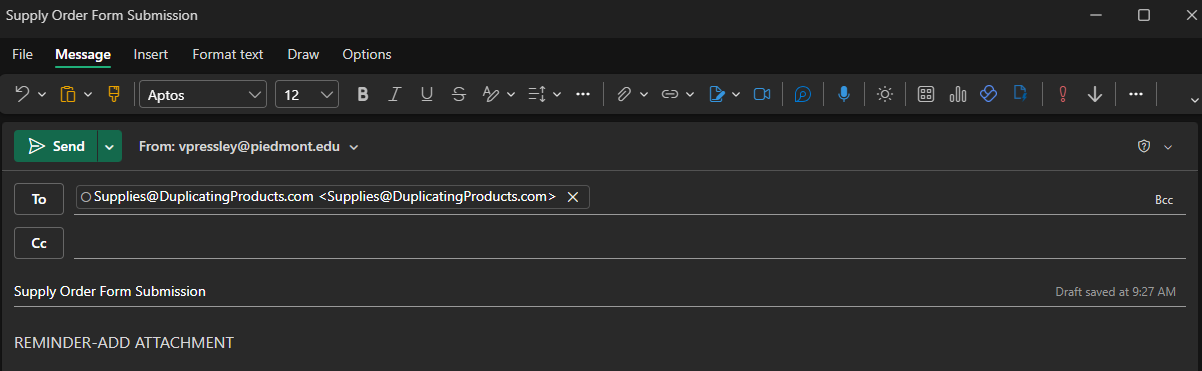
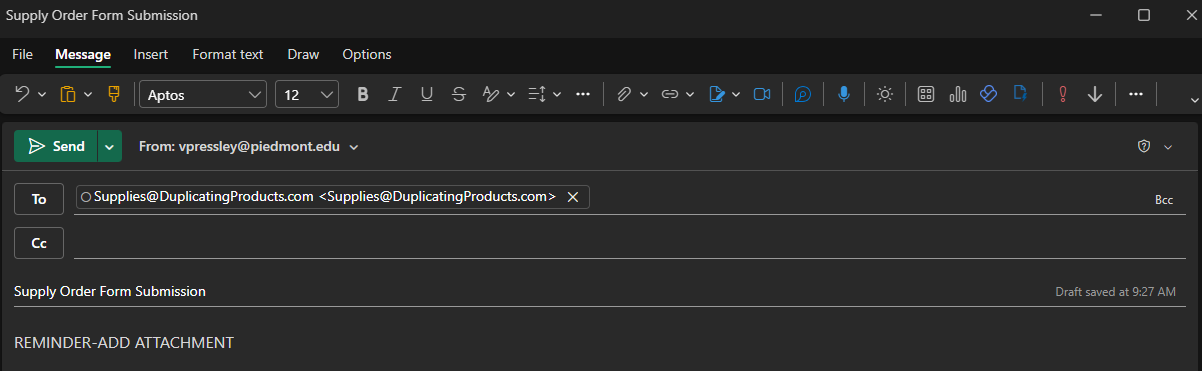
- This will open a drafted email to the appropriate address at Duplicating Products.
-
**Please remember to attach the COMPLETED order form to this email.
- Send the email (WITH the attachment).