
Presentation Stations
Sign in/Logoff
To log in, select the Guest account below Other User, and select Sign in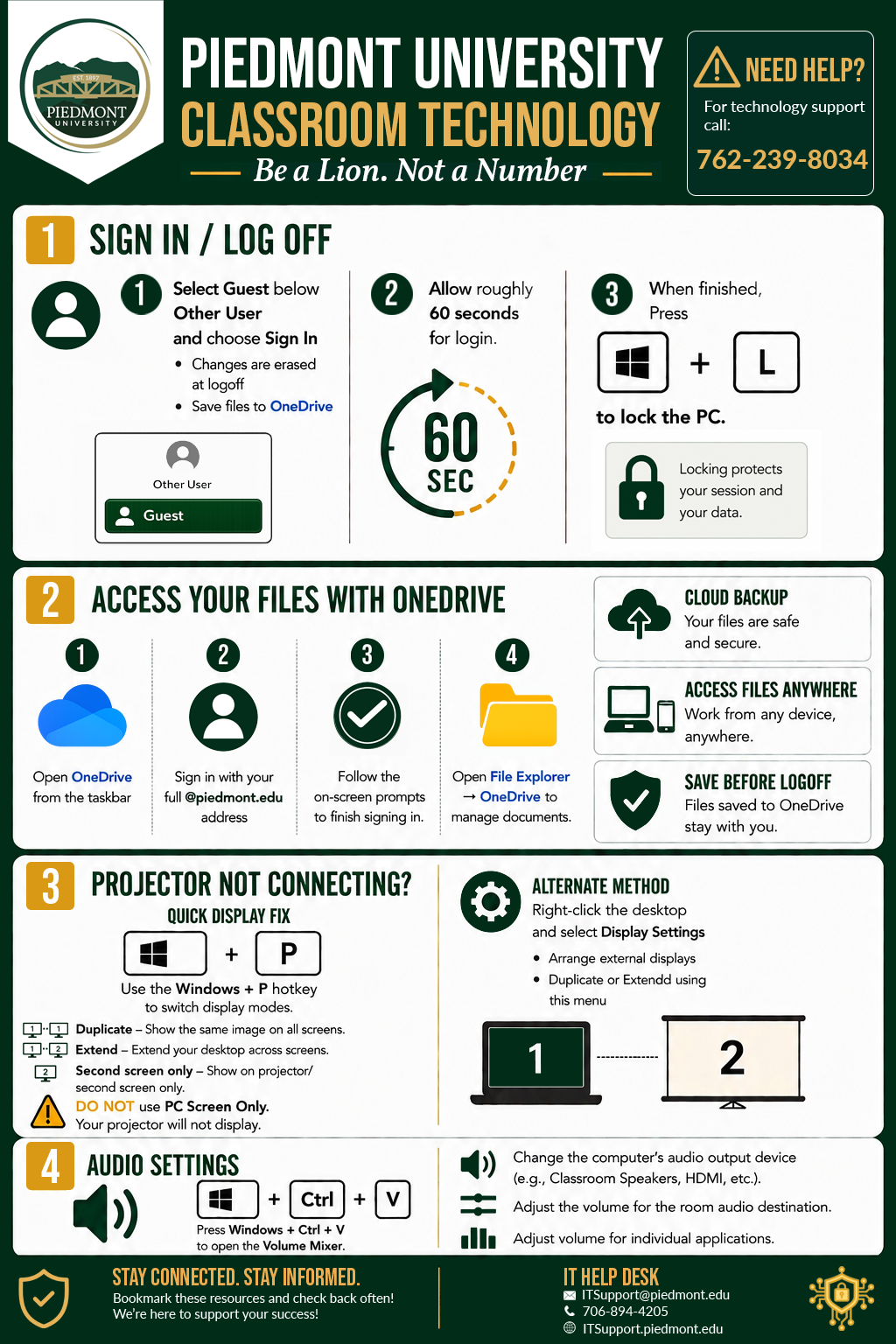
NOTE: Any files or changes made to this computer will be deleted at logoff. Please make sure you are logged in and saving your files to OneDrive.
The computer will need roughly 20 seconds to login.
When you are done using the PC, please press Windows Key + L to sign out.
OneDrive
Sign in to OneDrive to access Piedmont files.
@piedmont.eduWhere are my files?
Projector not connecting?
Windows Key + PAudio Settings
Windows Key + CTRL + V📞 (762) 239-8034 — Please call this number ONLY in case of classroom outage/emergencies