Screenshot (Windows)
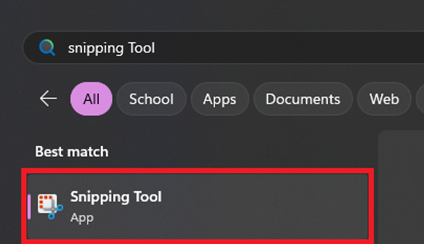
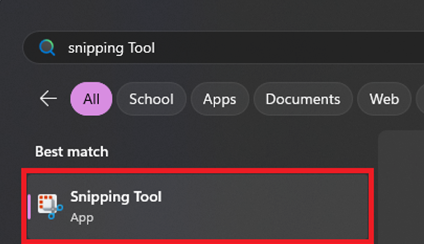
- Launch Snipping Tool from the Start Menu
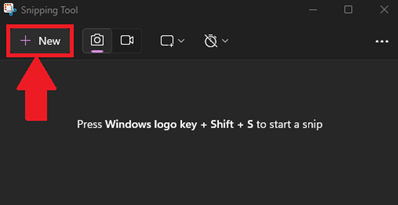
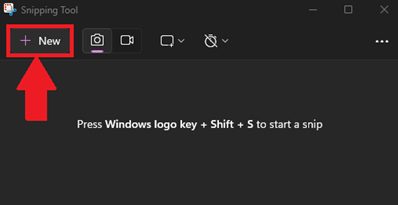
- Click New in the top left-corner to capture a new screenshot
- Highlight the area of the screen you want to capture
- After capturing, Snipping Tool will display the screenshot in a new window
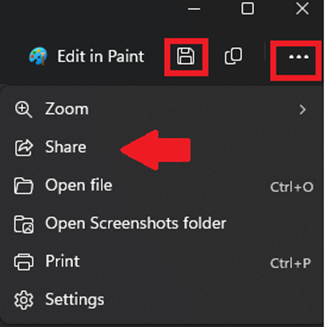
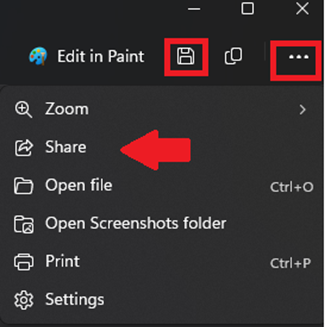
- Use the Save icon or ellipsis (three dots) to save the screenshot