Troubleshooting
‘Get’ button does not appear
If you see a message: Check with your IT or system Administrator, please follow the steps below.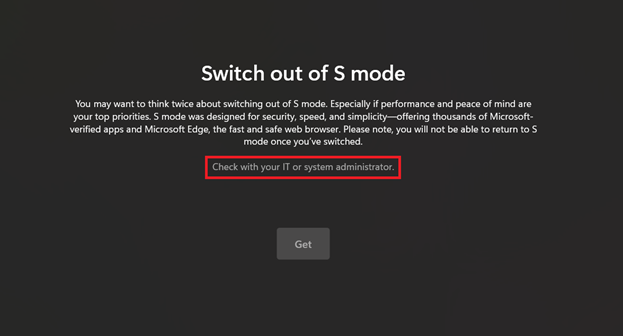
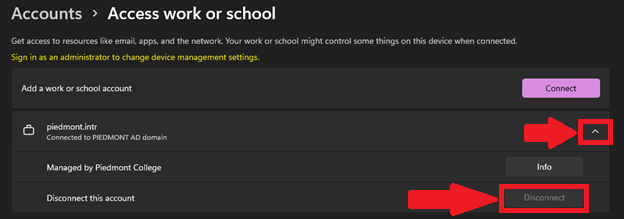
- Open Windows Settings
- Select Accounts
- Select Access Work or School
- Select the drop-down next to piedmont.intr
- Select Disconnect

- Please proceed to try the first section again.