Scan to Folder
1. Scan to Department Folder/Network Drive
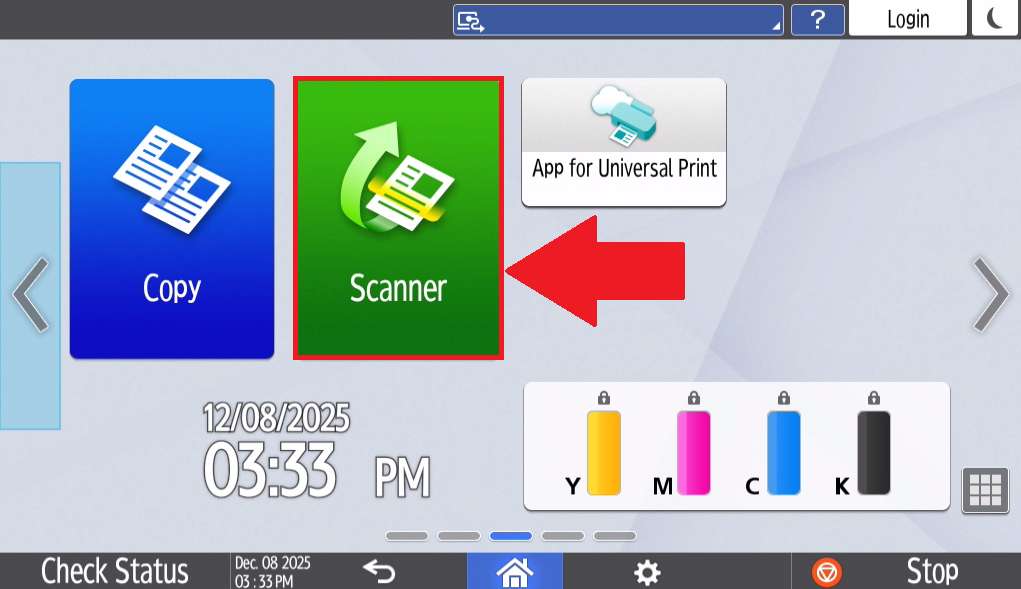
- Select Scanner on the homepage of the printer

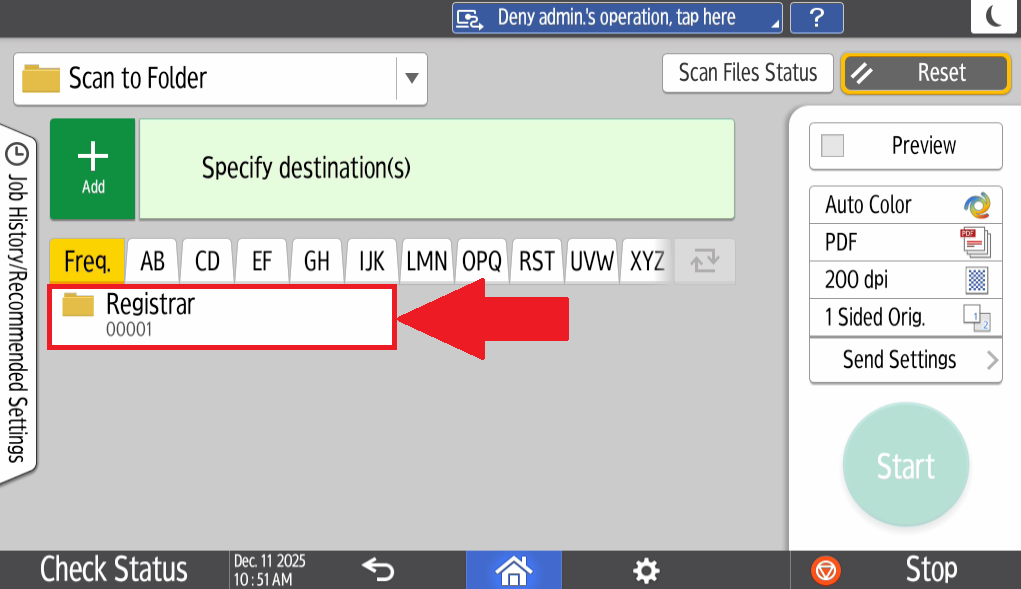
- Select the Drop down next to Scan to Email and select Scan to Folder

- Select the Folder you would like to scan to, if the folder is missing, please contact IT via a helpdesk ticket so that the folder can be added

- Load the document and Select Start to scan the document to the selected Network Folder