Work From Home
Piedmont University’s standard process for working remotely, including the equipment provided by IT, how to set up your workstation at home, and how to connect securely using VPN. It also clarifies what additional equipment may be considered optional and how those requests should be handled. The goal is to ensure a consistent, secure, and reliable remote work experience for faculty and staff.
How to Work Remotely
1. Equipment Checklist
The Piedmont University IT Department provides the following for at-home workstations:
- Piedmont Laptop
- Laptop Charger
- VPN Connectivity
These Items are sufficient to perform work from home.
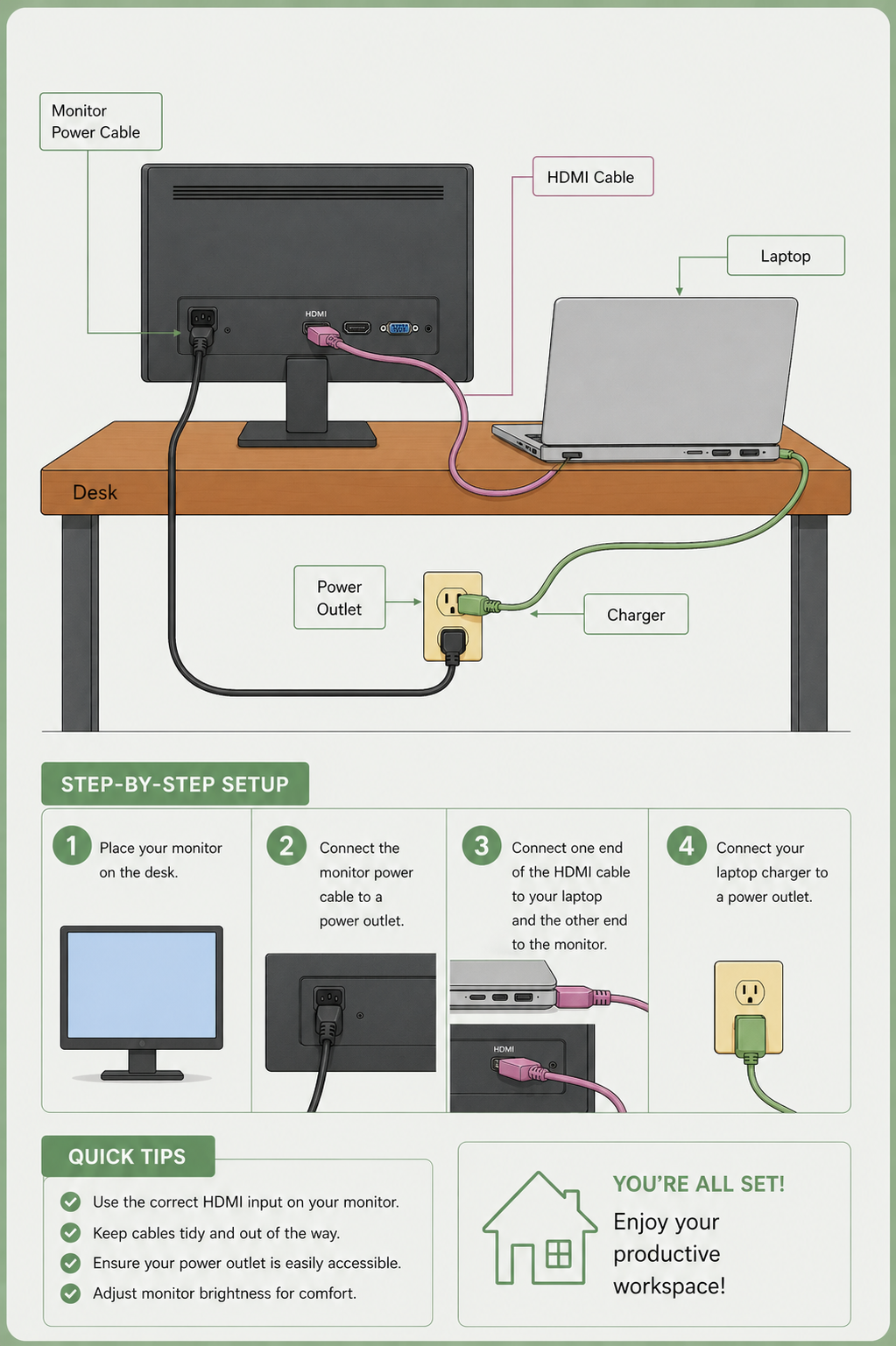
Additional equipment such as docking stations, monitors, keyboards, etc. is considered optional convenience equipment and is not provided by IT by default. Requests for additional equipment should follow the official accommodation process via Piedmont OARS or be approved and funded by the requesting department.
2. Workstation Setup
- Connect your Piedmont Laptop to power via the charging cable.
- Power on the laptop and sign-in using your Piedmont account.
- Connect the laptop to your home network by selecting your network and typing in the password.
- Connect your device to the GlobalProtect VPN.
- You can find instructions for connecting to VPN here: GlobalProtect Instructions
- Once connected to VPN, You should be able to access Piedmont resources as you normally would on-campus.
💬 Department Contact Info
For any issues or questions regarding remote work, please contact IT Helpdesk support
📞 (706) 894-4205
✉️ ITSupport@piedmont.edu
🔗 https://itsupport.piedmont.edu/
Remote Workstation Equipment
1. Remote Equipment
- Monitor - $89.99
- Mouse / Keyboard - $21.59