Screen Recording
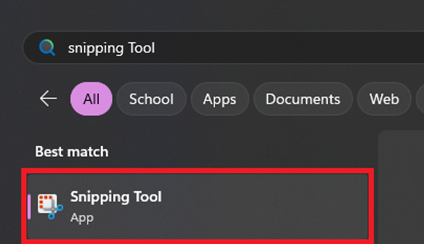
- Launch Snipping Tool from the Start Menu

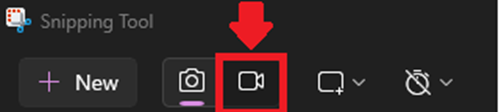
- Toggle the Video Camera icon to switch to record mode

- Highlight the area of the screen you want to capture
- After capturing, Snipping Tool will display the recording in a new window
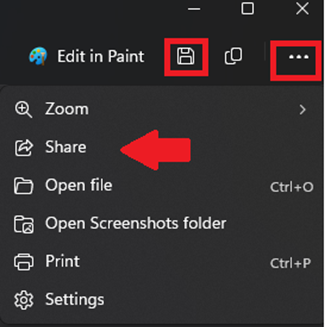
- Use the Save icon or ellipsis (three dots) to save the screenshot